
If you’re a small-business owner, you probably don’t want to spend your day thinking about backup schedules, retention policies, or recovery procedures. But you do need to know that your important business information is protected. Understanding the basics of data backup for small businesses can help you make better decisions about protecting files, customer information, financial records, email, and other critical data.
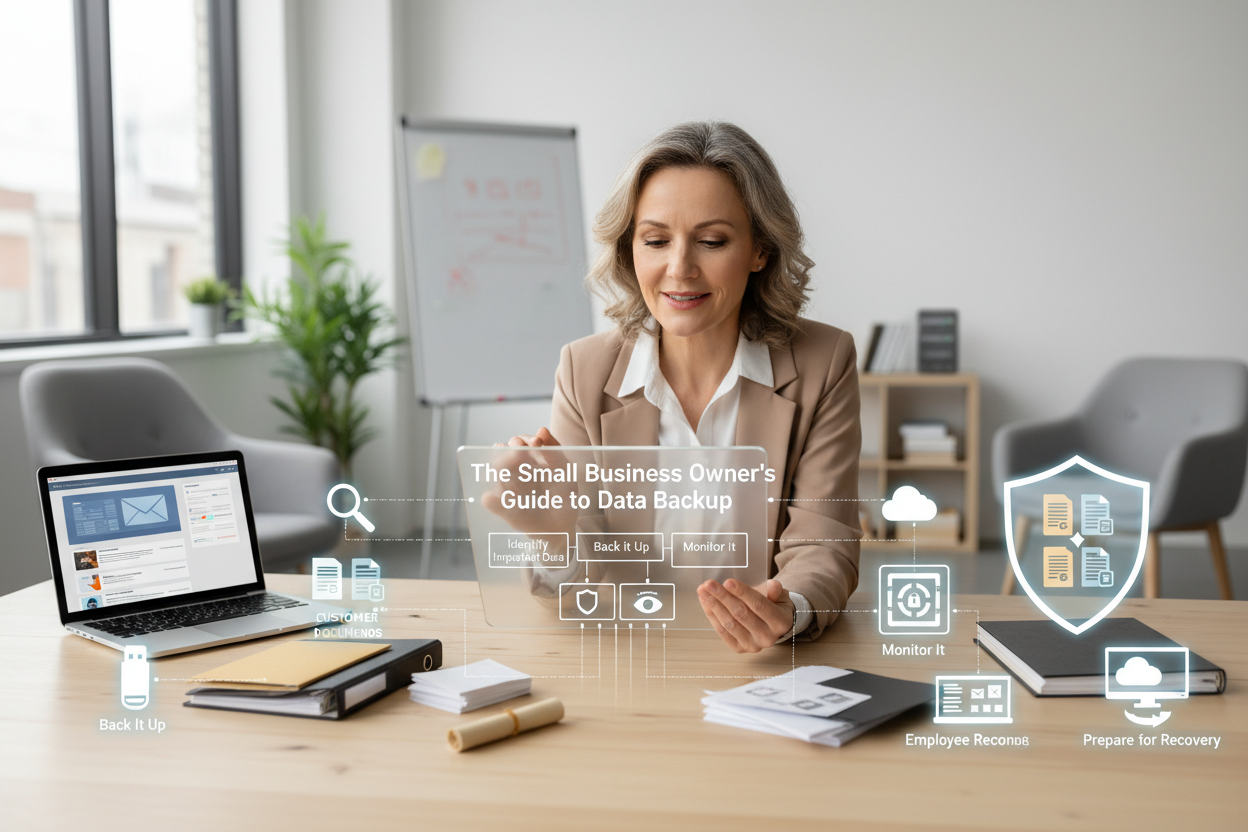
The first thing to understand is that backup is more than simply copying a few important files. A small business data backup plan should identify the information the company depends on and determine how that information should be protected. That may include data stored on computers as well as information located in Microsoft 365, Google Workspace, and other cloud services. A complete business backup plan should consider all of the places where important information exists.
Another important consideration is how many copies of your information you maintain and where those copies are located. A 3-2-1 backup strategy is one commonly discussed approach: maintain multiple copies of important data, use more than one type of storage, and keep at least one copy in a separate location. The exact approach a business needs can vary, but the underlying idea is important—don’t rely on a single copy in a single location.
You should also think about what happens after data is lost. Data recovery is the process of getting information back after an incident, but successful recovery depends on having usable backup copies and knowing how to access them. Backup recovery testing can help identify problems before an emergency occurs. If a business has never tested its recovery process, there may be important questions that haven’t been answered.
The good news is that business owners don’t necessarily need to manage every part of this process themselves. Managed backup services can provide ongoing monitoring, management, maintenance, and recovery support. The purpose of a managed backup solution isn’t simply to install technology; it’s to create an ongoing process for protecting important business information. Once you understand that distinction, it becomes easier to evaluate backup options based on what your business actually needs rather than simply choosing the software with the longest feature list.
Don’t Wait Until Data Loss Forces Your Hand
Get a free assessment and see exactly where your business is exposed — before something goes wrong.