
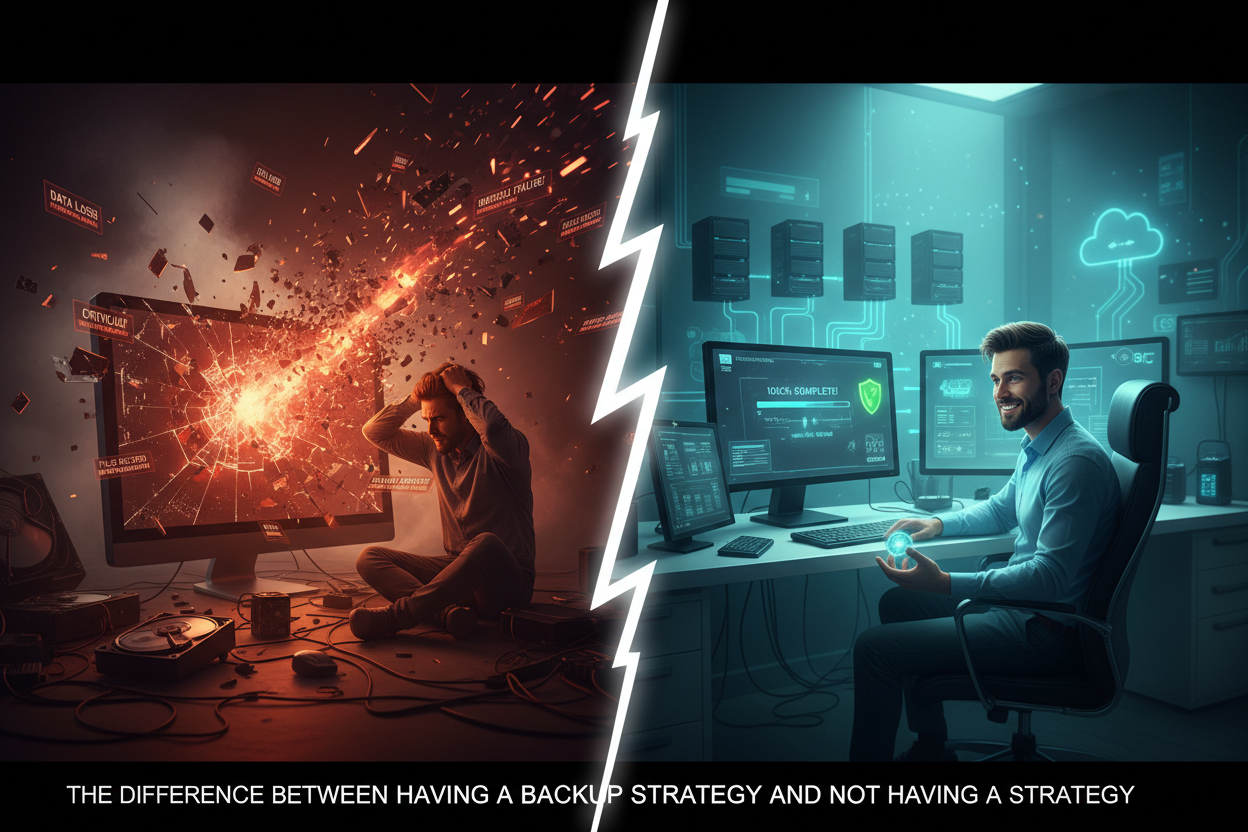
Many businesses can answer “yes” when asked whether they have a backup. But having a backup and having a business backup strategy are two very different things. A backup may simply be a copy of some files stored somewhere else. A strategy considers what needs to be protected, how often it should be backed up, how long copies should be retained, where those copies should be stored, and what happens when the business needs to recover its information.
A good data backup strategy begins with understanding what data matters most. A business may have documents on employee computers, financial information in applications, email and files in Microsoft 365 or Google Workspace, and other important information stored in different systems. Simply backing up one location doesn’t necessarily protect everything the business depends on. Business data protection starts with identifying those important systems and making deliberate decisions about how they should be protected.
Location is another important consideration. If the only backup is stored in the same office as the original data, a fire, theft, flood, or other physical event could potentially affect both. That’s why off-site data backup can be an important part of a broader strategy. Cloud-based backup is one way businesses can maintain a copy away from their primary location. The goal is to create separation between the original data and backup copies so that one event doesn’t necessarily affect everything at once.
A complete strategy also needs to consider recovery. How quickly does the business need to get important information back? How much data could the company afford to lose? How long should backup versions be retained? These are disaster recovery planning questions, and they can be very different from one business to another. Recovery testing can also provide valuable information about whether the planned process actually works as expected. A backup that has never been tested may leave important questions unanswered.
This is where managed data backup can provide value. A managed service can help turn individual backup tasks into an ongoing process of monitoring, maintenance, and recovery preparation. Instead of simply having software that creates copies, the business has a more deliberate managed backup strategy designed around its needs. The difference is simple: a backup is a copy of your data; a backup strategy is a plan for protecting that data and recovering it when something goes wrong.
Don’t Wait Until Data Loss Forces Your Hand
Get a free assessment and see exactly where your business is exposed — before something goes wrong.